Why record yourself
Listening back lets you notice hesitations, repeated words and places where you lose the flow, which are hard to hear while you are reciting.
A simple review routine
- Choose a passage you have already memorized.
- Record a Take reciting it from memory, without opening the Mushaf.
- Open the Mushaf and follow it while you replay the Take.
- Note the places where you hesitated or slipped.
- Record again after revising those places and compare the two Takes.
Share Takes with your teacher
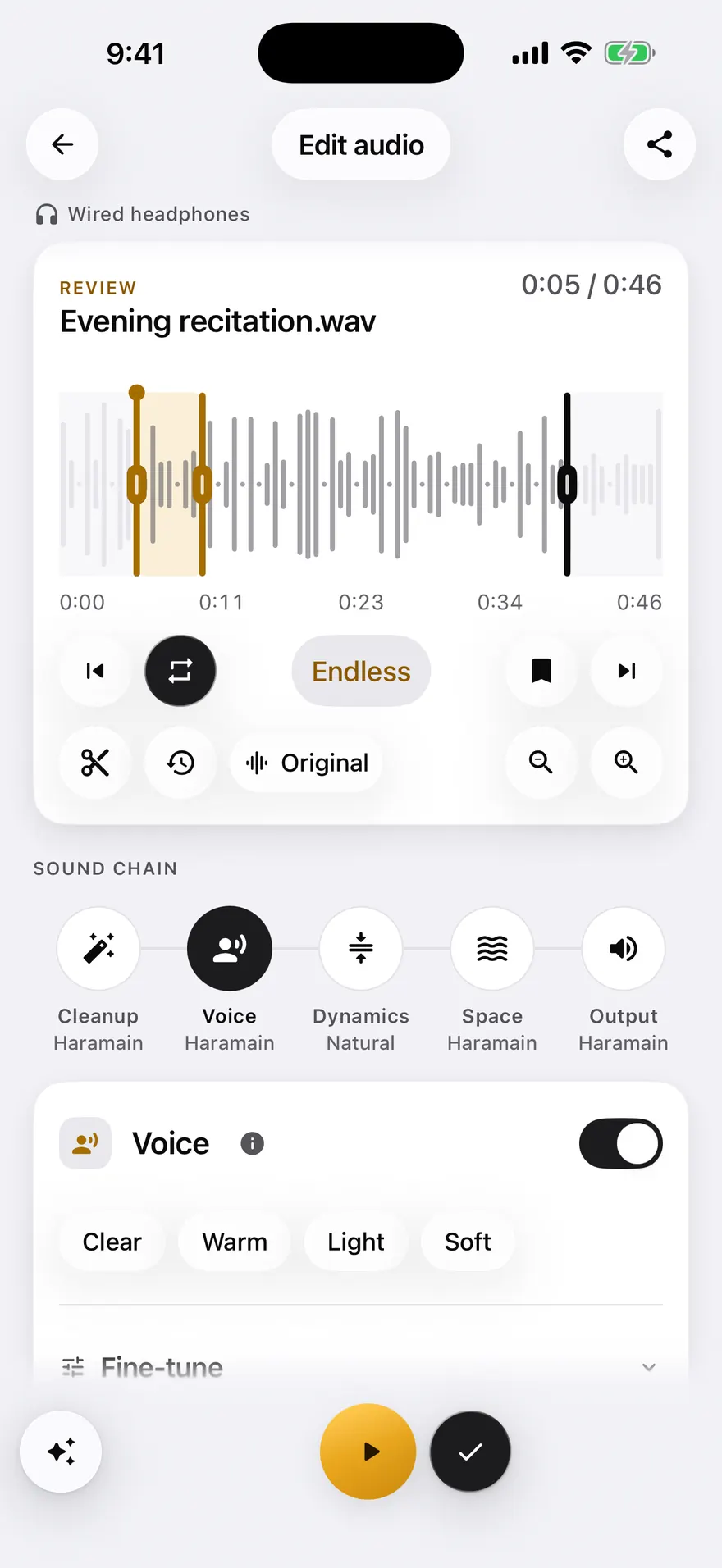
You can share a Take as MP3 in any free Mode so your teacher can listen and correct you. Mubayyen does not judge your recitation or check tajweed. A qualified teacher is the right person for that.
Keep your Takes organized
Takes live in a searchable Library, and you can attach them to a Khatma by Juz, Hizb or Surah to follow your review over time.
Frequently asked questions
Does Mubayyen correct my mistakes?
No. Mubayyen does not correct tajweed or judge a recitation. It records your Takes and shows the Mushaf so you can review yourself and your teacher can correct you.
Can I send my recording to my teacher?
Yes. You can share a Take as MP3 in any free Mode, or as WAV with Pro.
Try it in Mubayyen
Mubayyen is a Quran recitation app for iPhone, iPad, Mac and Android. Read the Mushaf, record your recitation, track your Khatma and share or save your Takes. No ads.