What you need
A phone, tablet or Mac with a working microphone, a quiet room and an app that records audio. Allow microphone access the first time the app asks, otherwise recording will not start.
If you want to hear your voice while you recite, add wired headphones, USB headphones or an audio interface. This is called direct listening.
Record your recitation in 5 steps
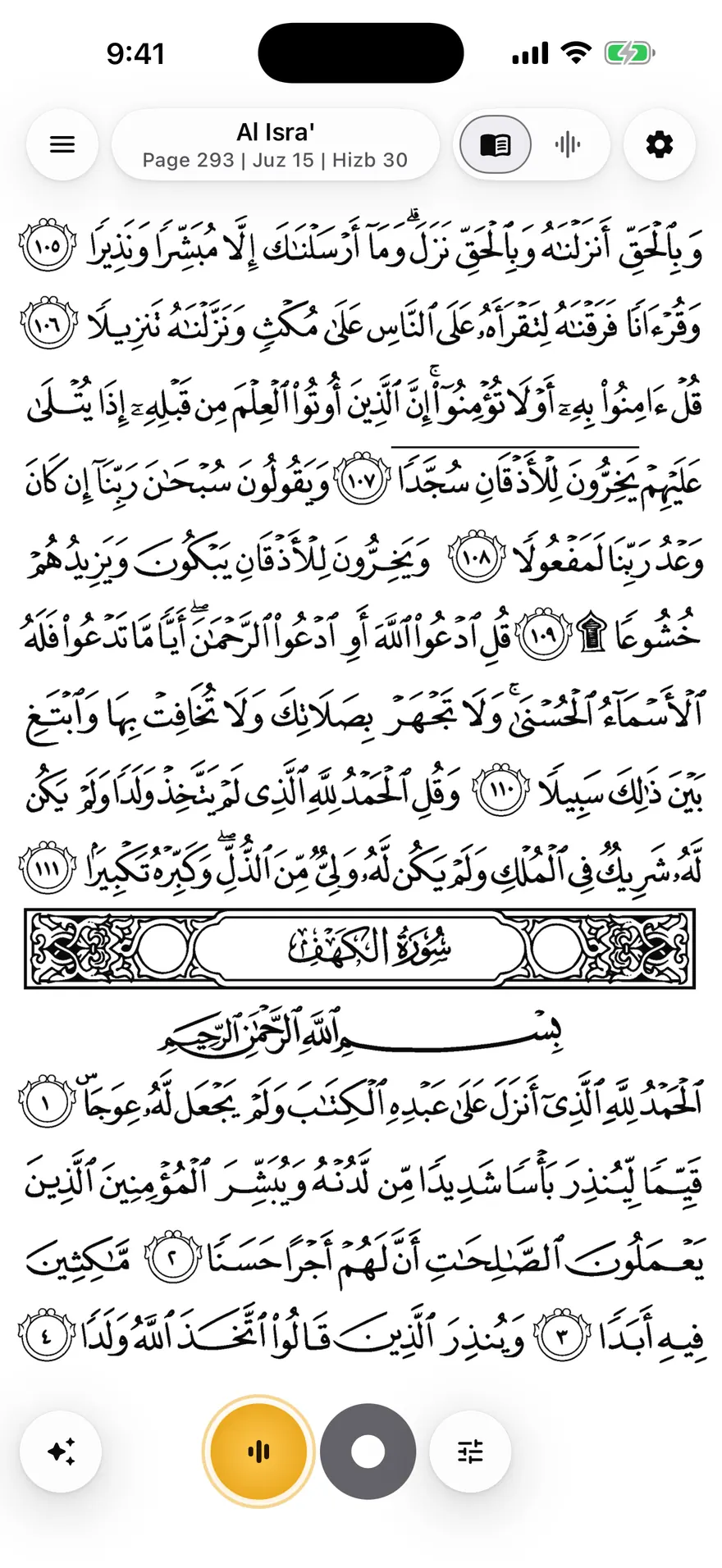
- Open Mubayyen and choose the surah or page you want to recite in the Mushaf.
- Pick a Mode. Free includes 4 Modes, and Natural is a good clean starting point.
- Press record and recite at your own pace.
- Stop the recording. It is saved as a Take in your Library.
- Replay it, keep it, or share it.
Hear yourself live while you recite
Direct listening needs a compatible audio output: wired headphones, USB headphones or an audio interface. Bluetooth headphones and AirPods add a delay, so they are meant for replay and for recording without a live return.
Mubayyen shapes your voice with mosque-inspired reverb and a natural sense of space through its Modes. It does not correct tajweed and does not replace a qualified teacher.
Get a cleaner recording
Record in a quiet room, keep the phone at a steady distance from your mouth and avoid touching the device while you recite. Do a short test Take first to check your level.
Save, organize and share your Takes
Your Takes are kept in a searchable Library and can be attached to a Khatma. You can share a Take as MP3 in any free Mode. Pro adds editing, all 10 Modes, audio import and 24-bit WAV export.
Recordings and imported audio stay on your device by default.
Frequently asked questions
Is recording my Quran recitation free in Mubayyen?
Yes. Recording is unlimited in the free version, together with live listening, 4 Modes, Khatma tracking, the Mushaf and MP3 sharing of a Take in a free Mode.
Can I record my Quran recitation on Android?
Yes. Mubayyen is available for Android phones and tablets, iPhone, iPad and Mac.
Can I hear my voice live with Bluetooth headphones?
No. Direct listening needs wired headphones, USB headphones or an audio interface, because Bluetooth adds a delay. Bluetooth is fine for replaying a Take.
Do my recordings leave my phone?
No, not by default. Recordings and imported audio stay on the device. You can choose to attach a short excerpt only when you report an audio issue.
Try it in Mubayyen
Mubayyen is a Quran recitation app for iPhone, iPad, Mac and Android. Read the Mushaf, record your recitation, track your Khatma and share or save your Takes. No ads.